

Get in touch with byon
Tobias Axt
Sales Manager
Tel.: +49 69 710 486 753
kontakt@byon.de
your 5-minute consultation
Book an appointment now →


In addition to the numerous standard apps on our cloud telephony platform, byon also develops its own apps that integrate with our products. These extend the range of functions beyond byon vTK to include our own product range – such as byon vACD – as well as products from other providers, such as Microsoft Teams.
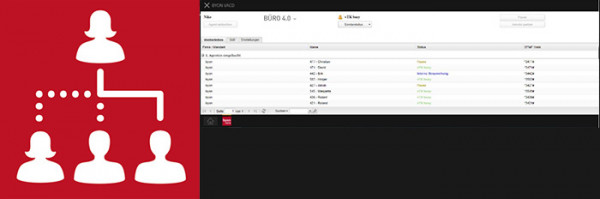
Professional call management
The byon vACD App allows users to access the byon contact centre software (vACD) directly from the MyApps interface. This enables users to manage and view the key functions of the vACD agent view. The integration ensures a better user experience and eliminates the need to switch to a separate programme or browser.
Prerequisites: innovaphone-based telephone system (PBX), byon vACD
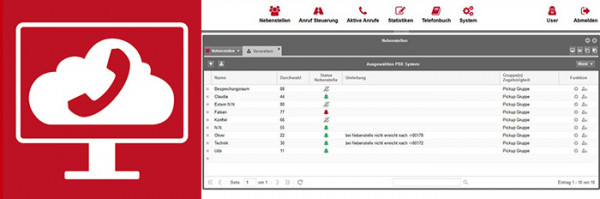
The administration interface for your telephone system
The byon vTK Portal provides byon vTK customers with a powerful tool for managing their cloud-based telephone system. Its features include, amongst others: creating and managing users, setting up groups and routing calls, managing handsets and licences, creating and editing queues and announcements, viewing statistics and reports, and much more.
Prerequisite: byon vTK
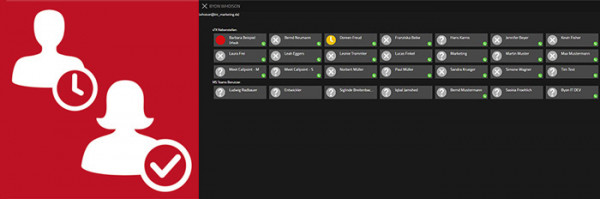
The best of both worlds
With byon WhoIsOn for Microsoft Teams, you get an app that displays the presence statuses of Microsoft Teams members and users of the byon vTK cloud-based telephone system in a single interface.
This means you no longer need to switch between different interfaces; instead, you can see straight away which contacts are currently available and which are not. You can create mixed, customised groups or favourites from both Microsoft Teams and byon vTK. A colour-coded indicator shows which users are on Microsoft Teams and which are on byon vTK.
Prerequisite: an innovaphone-based telephone system (PBX) and Microsoft Teams
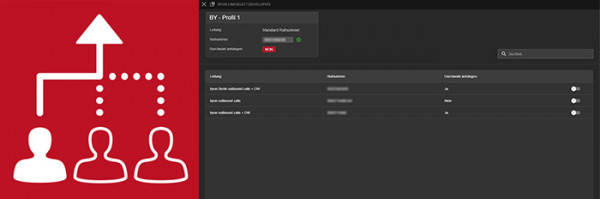
Selectable number display for external calls
With the byon LineSelect App, a company’s staff can select different phone numbers for external calls and display these to external callers. To do this, various lines with the required phone numbers can be created in the byon LineSelect Admin App and assigned to profiles, which are then distributed to staff. Staff can select their required profile in the byon LineSelect User App and thus change the outgoing phone number as required.
Prerequisite: innovaphone-based telephone system (PBX)
Save time for more calls
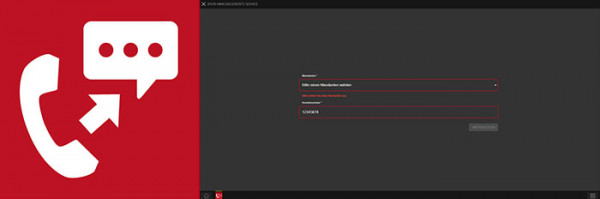
With byon CallMemo, you can make more calls!
If you make lots of calls every day, you’re bound to come across a few voicemail boxes, and leaving a message on each one takes a lot of time. With the byon CallMemo app, that’s a thing of the past, because with just one click you can have your pre-recorded message played to the voicemail box whilst you’re already making your next call.
Prerequisite: innovaphone-based telephone system (PBX)
React quickly – when it matters most!
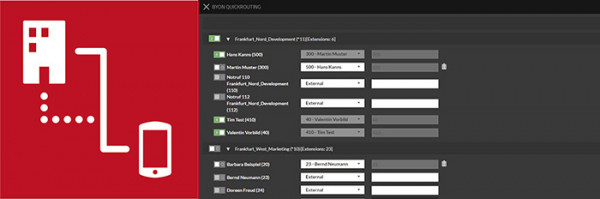
With byon QuickRouting, you can quickly and easily redirect incoming calls to individual extensions or entire sites.
For example, if an entire site experiences a power cut, or if individual staff members are off sick, you can create a backup plan for such scenarios. With the byon QuickRouting app, calls can be forwarded with just one click – to a predefined destination or, on the spot, to another number, e.g., a mobile phone.
Prerequisite: innovaphone-based telephone system (PBX)
Many of our apps are developed in response to enquiries and specific customer requirements. Thanks to our in-house development department, we are able to cater to our customers’ needs.
The app for anyone who wants to offer their customers 24/7 support.
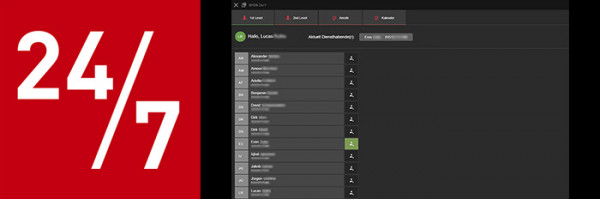
The byon 24/7 App is ideal for anyone who wants to offer telephone support outside their opening hours.
You can add multiple agents with their phone numbers in the app. Incoming support calls are then forwarded to the agent currently on duty. Agents can switch themselves to ‘active’ status in the app to receive calls.
Prerequisite: byon telephony system for on-call hotlines
Contact & Enquiries
Would you like to find out more about the benefits
of our byon products and services?
Why not get in touch with us today –
we’d be happy to help.
Tobias Axt
Sales Manager
Tel.: +49 69 710 486 753
your 5-minute consultation
Book an appointment now →
Tobias Axt
Sales Manager


